
Accounting Automation for Small Businesses: What Should You Automate?
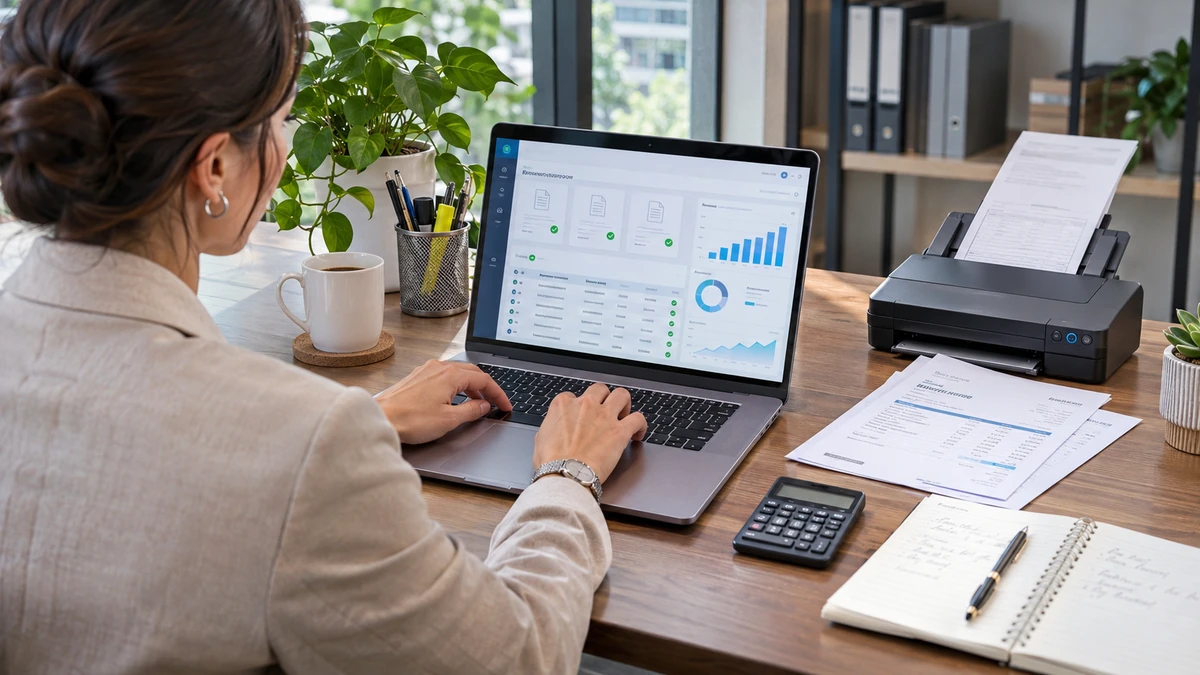
Running a small business involves more than serving customers and generating sales. Keeping financial records organized can take hours every week, especially when invoices, receipts, and transactions begin piling up. Accounting automation for small businesses helps reduce repetitive tasks such as invoicing, expense tracking, bank transaction matching, and financial reporting. However, not every accounting responsibility should run without supervision.
Knowing what to automate, what to review, and where professional guidance matters can help business owners save time while maintaining accurate financial records.
Quick Answer: What Accounting Tasks Should You Automate?
Small businesses should start by automating routine accounting tasks that follow predictable steps and require minimal judgment.
These activities often involve entering information, organizing records, sending notifications, or generating reports.
Common accounting tasks suitable for automation include:
- Invoice generation: Creating and sending recurring invoices automatically.
- Payment reminders: Notifying customers when payments are approaching or past their due dates.
- Bank transaction imports: Bringing transactions into accounting software through connected bank feeds.
- Expense tracking: Collecting receipts and organizing business expenses.
- Transaction matching: Identifying possible matches between imported bank activity and existing records.
- Financial reporting: Generating recurring profit and loss statements, balance sheets, and cash flow reports.
- Recurring entries: Recording predictable transactions according to established accounting rules.
These functions can reduce administrative work and help businesses maintain more consistent records.
However, automation should support financial management rather than replace it entirely.
Bank reconciliations, unusual transactions, tax-related decisions, and financial analysis still require human attention.
The best approach is to automate repetitive processes while maintaining appropriate review procedures.
Why Small Businesses Use Accounting Automation
Small business owners frequently manage several responsibilities at once.
A restaurant owner might handle purchasing, scheduling, customer service, and payroll. A contractor may spend the day visiting job sites before returning home to review invoices and expenses.
Accounting can become another task competing for limited time.
Accounting automation for small businesses helps reduce that workload by completing repetitive administrative activities more consistently.
Less time spent on manual data entry
Entering financial information by hand takes time.
When accounting software imports transactions or generates recurring invoices, business owners can spend fewer hours repeating the same procedures.
Automation also reduces the need to copy information between separate systems.
More consistent financial records
Manual recordkeeping can become inconsistent when different employees handle transactions.
Automated workflows can apply predefined processes to routine activities, making financial records easier to organize and review.
However, those processes must be configured correctly.
Better financial visibility
Business owners need current financial information to make informed decisions.
Automation can help keep transaction data available and reports updated, provided imported records are reviewed regularly.
This makes it easier to monitor revenue, expenses, outstanding invoices, and cash flow.
More room for business growth
As a company expands, its accounting workload usually grows.
An automated process that handles recurring invoices or transaction imports can reduce the need for additional manual administrative work.
However, businesses should regularly reassess their accounting controls as transaction volumes and financial complexity increase.
Which Bookkeeping Tasks Are Easy to Automate?
Not every bookkeeping task requires the same amount of attention.
Some activities involve predictable information that software can process according to established rules.
Others require interpretation, documentation, or professional judgment.
The easiest tasks to automate usually involve repeatable procedures.
Recurring financial transactions
Businesses frequently make payments for rent, software subscriptions, insurance, and other ongoing expenses.
Accounting systems can help record recurring transactions according to a predetermined schedule.
These entries still need periodic review because payment amounts, contract terms, and account classifications may change.
Transaction categorization
Accounting software can suggest categories for imported transactions based on previous activity or established rules.
For example, recurring payments to an internet provider might be assigned to a utilities or communications expense account.
However, a purchase from a familiar vendor is not always used for the same business purpose.
Categorization rules should be checked regularly.
Standard financial reports
Profit and loss statements, balance sheets, and other financial reports can be generated using information already recorded in the accounting system.
This reduces the need to recreate reports manually.
However, a report is only as reliable as the underlying financial information.
Routine bookkeeping notifications
Businesses can use automated notifications to identify outstanding invoices, upcoming payments, or transactions requiring attention.
These reminders help employees complete financial responsibilities without constantly checking individual records.
For many small businesses, automating these basic functions provides a practical starting point.
Can Invoicing and Payment Reminders Be Automated?
Yes. Invoicing is one of the most practical applications of accounting automation for small businesses.
Businesses that provide recurring services often send similar invoices to the same customers every month.
Creating each invoice individually can become time-consuming.
Accounting software can simplify this process by using stored customer information, billing schedules, and payment terms.
Automating recurring invoices
Consider a landscaping company that provides monthly maintenance services.
Instead of preparing separate invoices every billing cycle, the business can create recurring invoice templates.
Depending on the software and configuration, invoices can be generated or sent according to a schedule.
This helps maintain a predictable billing process.
However, businesses should verify invoice amounts whenever service packages, contract terms, or customer requirements change.
Scheduling payment reminders
Late payments can affect cash flow, especially for businesses operating with limited reserves.
Automated payment reminders can notify customers:
- Before an invoice reaches its due date.
- When an outstanding invoice becomes overdue.
- At predetermined intervals after the payment deadline.
These reminders help maintain consistent communication without requiring someone to monitor every invoice manually.
However, reminders should stop when payments are recorded, and disputed invoices should be reviewed before additional notices are sent.
Automation can improve the collection process, but it cannot resolve every payment disagreement or customer billing question.
How Bank Feeds and Transaction Matching Save Time
Bank feeds allow accounting software to retrieve transaction information from connected financial accounts.
Instead of manually entering every deposit, withdrawal, and card purchase, businesses can review transactions imported into their accounting systems.
This is especially helpful for companies processing numerous payments each week.
How automated bank feeds work
After connecting a supported bank or credit card account, accounting software retrieves available transaction data.
The business owner or bookkeeper can then review the imported information and assign the appropriate accounting treatment.
Depending on the software, imported transactions may be matched against existing invoices, expenses, or other entries.
For example, a customer pays a $750 invoice.
When the payment appears in the bank feed, the accounting system may recognize a potential match with the existing invoice payment.
The bookkeeper can verify the transaction before accepting the match.
Why transaction matching matters
Matching helps prevent businesses from recording the same financial activity twice.
It can also make it easier to identify payments that have not been properly recorded.
However, suggested matches are not always correct.
A deposit might represent multiple customer payments. A bank withdrawal might include fees or other adjustments.
These situations require further investigation.
Bank feeds do not replace reconciliation
Importing transactions and reconciling accounts are different activities.
Bank feeds bring financial information into accounting software.
Reconciliation compares the accounting records against bank statements and investigates discrepancies.
Businesses should still complete regular reconciliations to identify missing transactions, duplicate entries, incorrect amounts, and other differences.
Automatic imports make the process more efficient, but they do not eliminate the need to verify account balances.
Should Expense Tracking and Receipt Management Be Automated?
Expense tracking is another strong candidate for automation.
Small businesses often collect receipts from office purchases, travel expenses, equipment, supplies, and business meals.
Without an organized system, documents can become difficult to locate when preparing financial reports or tax returns.
Automated receipt management can help businesses collect and organize supporting documentation.
Digital receipt collection
Many accounting applications allow users to upload receipts through a mobile device or computer.
Some systems use optical character recognition to extract information such as:
- Vendor name.
- Transaction date.
- Purchase amount.
- Sales tax shown on the receipt.
- Payment details.
The extracted information can then be reviewed and associated with an expense.
This reduces manual data entry while making supporting documents easier to retrieve.
Automated expense categorization
Expense management systems may suggest categories based on previous transactions.
For example, regular purchases from an office supply retailer may be classified as office expenses.
However, the same retailer might also sell equipment that requires different accounting treatment.
A person should review unusual or significant purchases rather than relying entirely on automated categories.
Maintaining proper documentation
Digital records can support an organized recordkeeping system, but businesses must retain appropriate supporting documents.
A bank statement showing a payment does not necessarily establish the business purpose of an expense.
Businesses should keep sufficient records to substantiate deductions and maintain their documents according to applicable retention requirements.
Automation can organize paperwork, but business owners remain responsible for the accuracy and completeness of their records.
What Accounting Tasks Still Need Human Review?
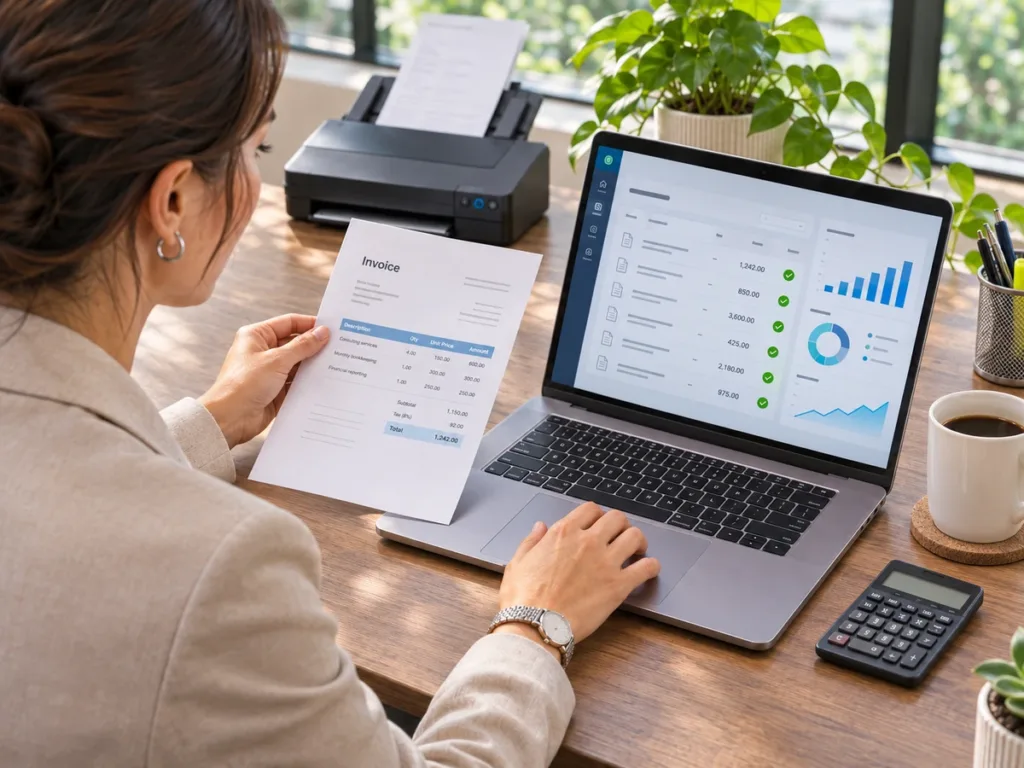
One of the most important aspects of accounting automation for small businesses is knowing where automation should stop.
Accounting software can process information quickly, but speed does not guarantee accuracy.
Certain financial responsibilities require professional judgment, investigation, or approval.
Bank and credit card reconciliations
Software may identify matching transactions or suggest ways to resolve differences.
However, a qualified reviewer should investigate unexplained discrepancies and verify that the records agree with the relevant statements.
Reconciliation is an important control for identifying incomplete or inaccurate accounting information.
Unusual financial transactions
Not every transaction follows a predictable pattern.
Equipment purchases, customer refunds, loan proceeds, owner distributions, and certain reimbursements may require special accounting treatment.
These transactions should not automatically receive categories simply because they resemble previous activity.
Tax-sensitive expense classifications
Accounting software can organize expenses, but it cannot independently determine every tax consequence.
Certain purchases may require capitalization, depreciation, or other treatment depending on the circumstances.
A tax professional can help determine whether transactions have been classified appropriately for reporting purposes.
Financial statement interpretation
Automated reports show recorded financial information.
They do not necessarily explain why profitability changed or whether a business faces a potential cash shortage.
A knowledgeable accountant or bookkeeper can help identify trends, inconsistencies, and questions that deserve further investigation.
Payroll and financial approvals
Payroll calculations and scheduled payments may be supported by automation.
However, businesses should verify employee information, pay rates, deductions, and applicable requirements.
Likewise, important payments and changes to vendor banking details should remain subject to approval procedures.
The goal is not to eliminate human involvement. It is to direct human attention toward decisions where it matters most.
What Risks Come With Too Much Automation?
Automation introduces efficiencies, but poorly configured systems can create additional accounting problems.
Businesses should understand the risks before enabling automatic workflows.
Incorrect transaction classifications
If an automated categorization rule is wrong, it may apply the same error repeatedly.
For example, a business might classify equipment purchases as ordinary operating expenses without considering whether they should be treated differently.
Over time, these errors can affect financial reports.
Duplicate or missing transactions
Connecting multiple applications may cause the same transaction to enter the accounting system through different channels.
For example, a payment processor and a bank feed could both provide records of related activity.
Without proper configuration, duplicate revenue or expense entries may result.
Inaccurate financial reports
Automated reporting relies on the information already recorded.
If transactions are missing or incorrectly classified, reports may present a misleading picture of the business.
A polished dashboard does not guarantee reliable accounting information.
Security and access concerns
Financial systems contain sensitive business and customer information.
Connecting additional applications may increase the number of systems with access to financial data.
Businesses should use appropriate security measures, including multifactor authentication, limited user permissions, and regular access reviews.
Reduced oversight
Perhaps the biggest risk is assuming that automated processes no longer need attention.
A business owner might stop reviewing financial activity because the accounting software appears to be working correctly.
Errors can then remain unnoticed for months.
A practical solution is to establish review controls.
For example, a business might review imported transactions weekly, reconcile accounts monthly, and examine financial reports before making major decisions.
Automation works best when it operates within a system of regular verification.
How to Choose the Right Accounting Automation Tools
Choosing accounting software should begin with understanding the business’s needs.
The most expensive or feature-rich application is not automatically the right choice.
A small service business may need straightforward invoicing and expense tracking, while a larger company may require inventory management, multiple user permissions, and detailed reporting.
Identify repetitive accounting tasks
Start by listing the activities that consume the most administrative time.
Consider questions such as:
- How many invoices does the business send monthly?
- How frequently are bank transactions entered manually?
- Are receipts difficult to organize?
- Does the business struggle to identify overdue payments?
- Are financial reports prepared consistently?
These questions help identify where automation could provide measurable benefits.
Evaluate integration capabilities
Accounting software should work with the financial systems a business already uses.
Depending on the business, useful integrations may include bank accounts, payment processors, payroll systems, or point-of-sale platforms.
Before connecting applications, verify how information transfers between them and whether duplicate records could result.
Review security features
Look for user permissions, multifactor authentication, activity histories, and appropriate controls over financial approvals.
Employees should generally have access only to the information and functions needed for their responsibilities.
Compare the total cost
Software subscriptions are only part of the expense.
Businesses should also consider setup, employee training, additional integrations, transaction fees, and ongoing maintenance.
A lower-cost solution may become expensive if it requires extensive manual corrections.
Introduce automation gradually
Businesses do not need to automate everything immediately.
A practical implementation sequence is:
- Organize existing accounting records and correct known errors.
- Connect bank feeds and establish transaction review procedures.
- Configure recurring invoices and payment reminders.
- Introduce digital receipt collection and expense workflows.
- Establish recurring financial reports and reconciliation schedules.
- Review the results before adding more automated processes.
Gradual implementation makes it easier to identify configuration problems before they affect larger amounts of financial information.
How QuickBooks Can Support Accounting Automation
QuickBooks is one accounting platform small businesses can use to streamline routine financial processes.
Its available tools can support invoicing, expense management, transaction imports, financial reporting, and other accounting activities.
Depending on the QuickBooks product, subscription, and connected services, businesses may have access to features such as:
- Bank feeds: Import transaction activity from supported financial institutions.
- Transaction matching: Identify possible matches between bank activity and recorded transactions.
- Recurring invoices: Generate or send invoices according to established billing schedules.
- Payment reminders: Send notifications related to outstanding customer invoices.
- Receipt capture: Upload documents and extract information for expense records.
- Bank rules: Apply predetermined instructions to certain imported transactions.
- Financial reporting: Generate profit and loss statements, balance sheets, and other reports.
- Accountant collaboration: Allow accounting professionals to review financial information using appropriate access permissions.
These features can help reduce repetitive administrative work.
However, having access to an automated feature does not mean it should be enabled without preparation.
For example, a business with an inconsistent chart of accounts may need to correct its accounting structure before creating automatic categorization rules.
Likewise, bank feeds should be configured carefully to reduce the risk of duplicated or incorrectly classified transactions.
Businesses should verify which features are included in their specific QuickBooks subscription, as availability and functionality can vary.
Most importantly, QuickBooks should be treated as a financial management tool rather than a replacement for accounting knowledge.
Proper setup, consistent reconciliations, and periodic professional review remain important regardless of the software being used.
Accounting and Bookkeeping Support in Fort Mill
Accounting automation can help businesses operate more efficiently, but technology works best when the underlying financial records are properly organized.
At Abacus Tax & Books, we understand that small business owners want to spend less time managing paperwork and more time focusing on their operations.
Our team provides accounting, bookkeeping, tax preparation, and QuickBooks support to help businesses maintain organized financial information.
Whether a company is introducing accounting software for the first time or trying to improve an existing system, understanding how information flows through its records is an important starting point.
We can help business owners address bookkeeping concerns, identify errors, better understand QuickBooks, and maintain clearer financial records.
Our approach recognizes that efficient accounting requires both useful technology and knowledgeable oversight.
For small businesses in Fort Mill, Tega Cay, Rock Hill, and surrounding communities, having reliable accounting support can make financial management more manageable as operations evolve.
Spend Less Time on Repetitive Accounting Tasks With Abacus Tax & Books
If manual bookkeeping is taking too much time or financial records have become difficult to manage, it may be time to review the current accounting process.
At Abacus Tax & Books, we help small business owners understand their financial information and make better use of their accounting systems.
Our bookkeeping and QuickBooks support services can help businesses address existing recordkeeping problems and identify practical improvements to their financial workflows.
Instead of assuming every task should be automated, we focus on helping clients establish reliable accounting practices that fit their operations.
Contact Abacus Tax & Books today at (803) 548-1099 to schedule a consultation and discuss how your business can improve its accounting processes.
FAQs About Accounting Automation
What is accounting automation for small businesses?
Accounting automation uses software to complete repetitive financial tasks such as invoicing, importing bank transactions, tracking expenses, and generating reports. It reduces manual work while allowing business owners and accounting professionals to focus on reviewing financial information.
Can accounting automation replace a bookkeeper?
No. Automation can handle repetitive data processing, but bookkeepers still play an important role in reconciling accounts, identifying errors, maintaining accurate records, and reviewing unusual financial activity.
What accounting task should a small business automate first?
Bank transaction imports and recurring invoicing are common starting points. However, the best first task depends on the business’s existing processes and the quality of its financial records.
Is QuickBooks suitable for small business accounting automation?
QuickBooks offers features that can support bank feeds, invoicing, transaction matching, expense tracking, and reporting. The available capabilities depend on the product and subscription selected.
How often should automated accounting records be reviewed?
Businesses should review imported transactions regularly and typically reconcile bank and credit card accounts monthly. Higher-volume businesses may need more frequent reviews to identify errors promptly.
Is accounting automation worth the cost for a small business?
It can be worthwhile when the time saved, improved organization, and more consistent processes justify the software and implementation costs. Businesses should compare the potential benefits against subscription fees, setup requirements, and ongoing review responsibilities.